Parts of a Computer in English with Pictures
Parts Of A Computer In English can be confusing for many students, beginners, and English learners who use computers daily but do not fully understand the names, definitions, and functions of each component. Simply knowing the terms is not enough; without clear explanations, people often struggle to describe computer parts, understand technical instructions, or fix basic issues, which can create frustration and slow down work.
To solve this problem, this article provides a complete and easy-to-understand guide to the parts of a computer with clear definitions and functions in English. By breaking components into internal, external, and peripheral parts, and explaining how each one works, this guide helps you build strong computer vocabulary, improve practical knowledge, and use computers more confidently in everyday life.
Parts Of A Computer In English
Discover the fascinating world of computers with this comprehensive guide! From the essential CPU to advanced GPUs and peripherals, learn how each part works together to power your device. Master the definitions and functions of key components for seamless computing. Dive in and boost your tech-savviness today!
What is a Computer?
A computer is an electronic device programmed to store information and analyse data to perform the activities. It helps us perform our work quickly and accurately. People use it to play games, but it also performs tough calculations.
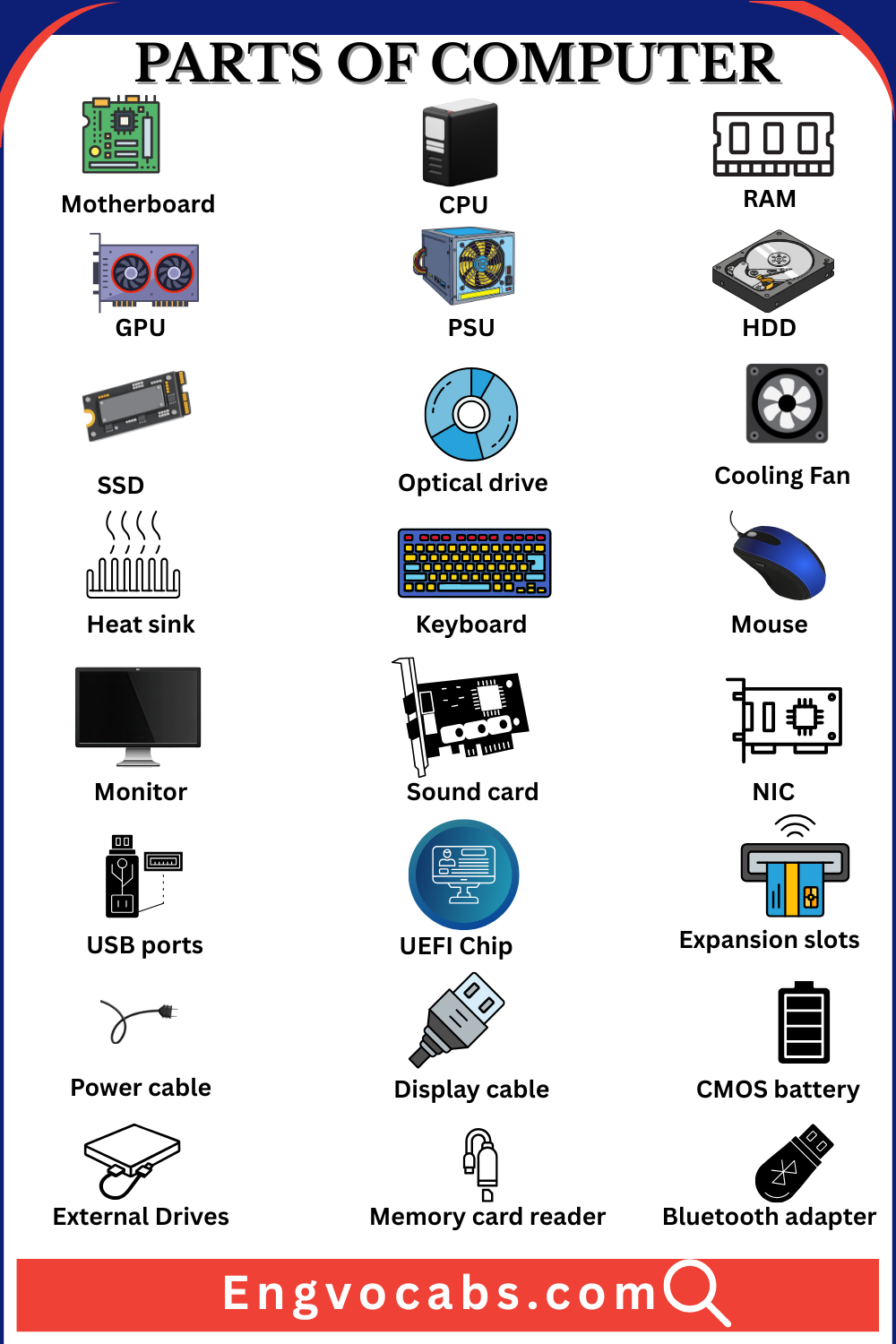
List Of All Parts of a Computer
Internal Components:
- CPU (Central Processing Unit)
- Motherboard
- RAM (Random Access Memory)
- HDD (Hard Disk Drive)
- SSD (Solid-State Drive)
- PSU (Power Supply Unit)
- GPU (Graphics Processing Unit)
- Cooling Systems (Fans, Heat Sinks, Liquid Cooling)
- Optical Drive
- Sound Card
- Network Interface Card (NIC)
External Components:
- Monitor
- Keyboard
- Mouse
- Speakers
- Microphone
- Printer
- External Storage (USB drives, external HDD/SSD)
Peripheral Components (Optional):
- Webcam
- Headphones/Headsets
- Docking Station
- External GPU (eGPU)
Parts of Computers and Their Functions
Motherboard
The main circuit board connects and facilitates all the computer parts. It makes communication easy. It is a type of glue that connects.
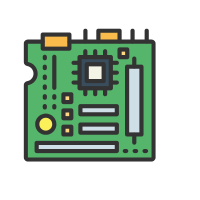
The central processing unit ( CPU)
The main processor, or the computer’s brain, carries out commands and does calculations, fetches and decodes the language, and executes instructions.
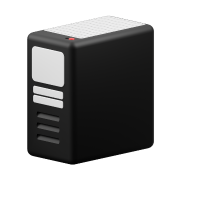
Random access memory(RAM)
Temporary memory that speeds up programs and operations in the computer by storing data. It helps to start and end any program quickly.
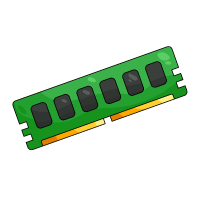
Graphic processing unit ( GPU)
A special type of processor handles graphics and enhances the display of games, images, and videos. The graphic cards often communicate directly with the display monitor.
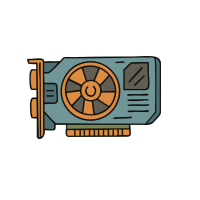
Power supply unit( PSU)
It converts the electricity that is used by all parts of the computer into power.
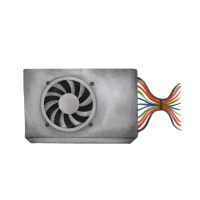
Hard disc drive(HDD)
A Storage device that uses a spinning magnetic disk to hold computer operating systems and personal files has a large capacity.It connects with computers through interfaces.
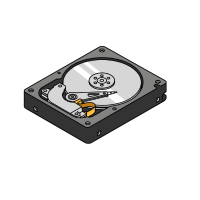
Solid State drive(SSD)
A solid-state drive is a device with no moving parts and uses flash memory. It runs programs more quickly and uses less power.
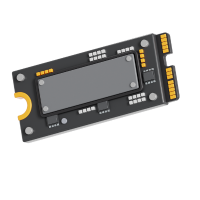
Optical drive(CD,DVD or Blu-ray)
It is a device that reads and writes all CDs, DVDs, and Blu-ray discs. These devices rely on light to interact with the disc’s surface.
Cooling Fan
It is a device that provides cool air to prevent damage to computer components. It operates at a constant speed.
Heat sink
It is a metal component attached to the system, so the CPU or GPU does not overdose heat.
Keyboard
It is a physical input device used to type and give commands to the computer to function properly.
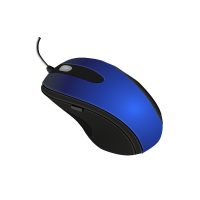
Mouse
It is an input device used by hand to control the cursor on the screen and click and point elements.
Monitor
It is an output device, or screen, that displays the computer’s visual information. It comes in various sizes.

Basic Parts of a Computer
- Monitor
- CPU (Central Processing Unit)
- Motherboard
- RAM (Random Access Memory)
- HDD (Hard Disk Drive) or SSD (Solid-State Drive)
- Power Supply Unit (PSU)
- Keyboard
- Mouse
- Graphics Processing Unit (GPU) (if not integrated)
- Cooling Fan
Parts of a Computer with Definition
Sound card
A card or hardware component that enhances and processes audio data, allowing computers to output sound through speakers and headphones.
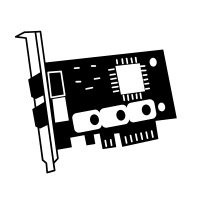
Network interface card(NIC)
It is also a hardware component that enables the computer to connect all the networks worldwide through wire or without wire. It helps send and receive data.
USB ports
These are the computer’s standard ports in which different devices, such as a mouse or keyboard, are connected. They help transfer data and communicate easily.
BIOS/UEFI Chip
It is an important segment of the computer’s motherboard, like a small, rectangular chip that starts or runs the system.

Expansion slots
These are connectors that allow users to perform extra functions. The card connects additional cards to enhance the computer’s capability.
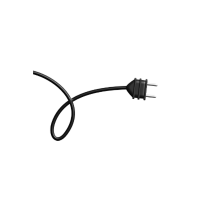
Power cable
It gives the main system the power to run and perform the function, but the attachment is to the outer circuit. It provides the correct voltage that is required.
Display cable(HDMI,VGA,DVI)
It connects the computer to the monitor to display video on the monitor. The best cable choice depends on the device.
Speakers
They are the output devices that generate the sounds from the computer, which can be heard with our ears.
CMOS battery
It is a small battery that stores data and all the settings when the computer is turned off. It is attached to the computer’s motherboard.

PCI express slots(PCIe)
These are called peripheral component interconnects, allowing the installation of expansion cards such as graphic or network cards.
M2 SSD
It is a compact high-speed slot designed for modern computers that installs directly on the motherboard to provide faster data access.
External Drives
These peripherals connect to the computer and enhance its function, offering special space for extra files and backup.
Memory card reader
It is a device that allows you to read data from memory cards used in smartphones, cameras, etc.
Bluetooth adapter
It is a device that allows computer parts, such as a keyboard or headphones, to be attached wirelessly to a computer.
Audio jack
These are the standard connectors through which audio devices such as speakers or headphones are connected. These are found in many other electronic devices.

Power button
A physical button is present on various devices to turn on or off the system. It is the primary way to control the computer’s power.

LED Indicators
These are the small light sources that show the power of the computer or charging system. They are energy efficient.
VRM (Voltage regulator module)
It is a device that regulates the voltage so that the system’s power remains stable.
RAID controller
It controls multiple drives to regulate performance.

Read More:
Tools Names in English with Pictures